# Slack

### How Leads Are Identified

Storylane recognizes two types of leads:

| Lead Type        | How It's Identified                    |
| ---------------- | -------------------------------------- |
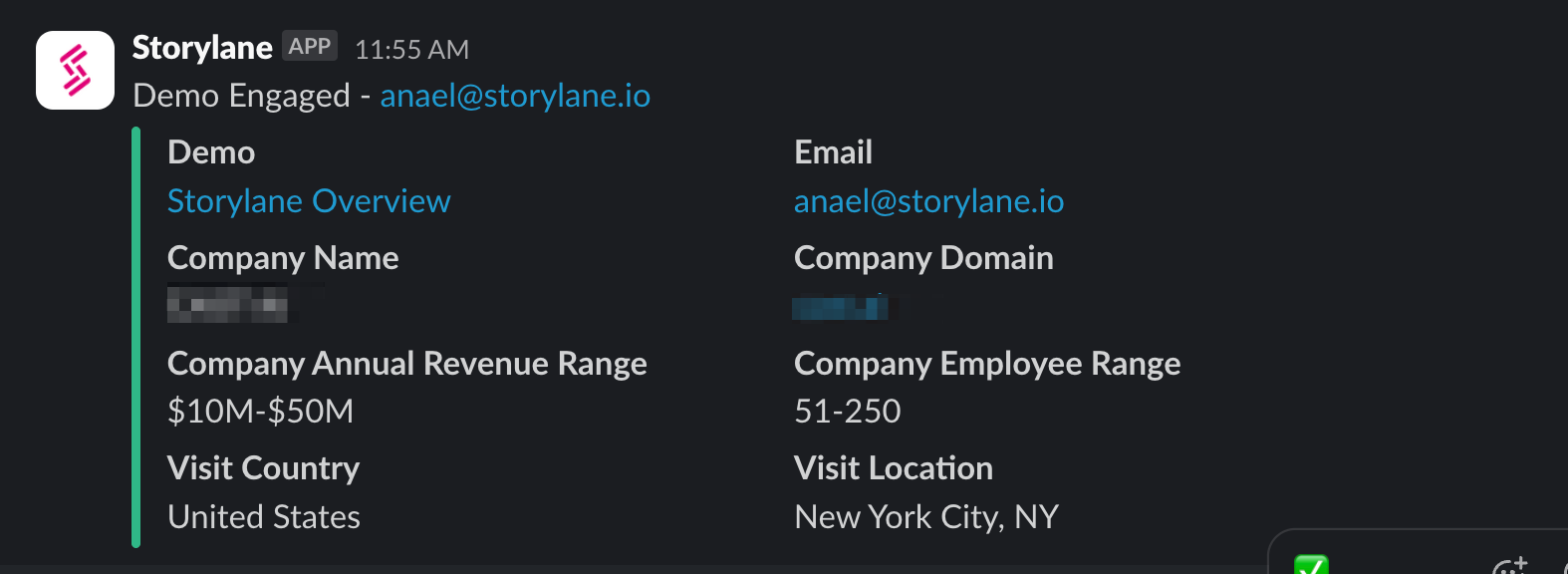
| **Known Lead**   | When an **email address** is captured  |
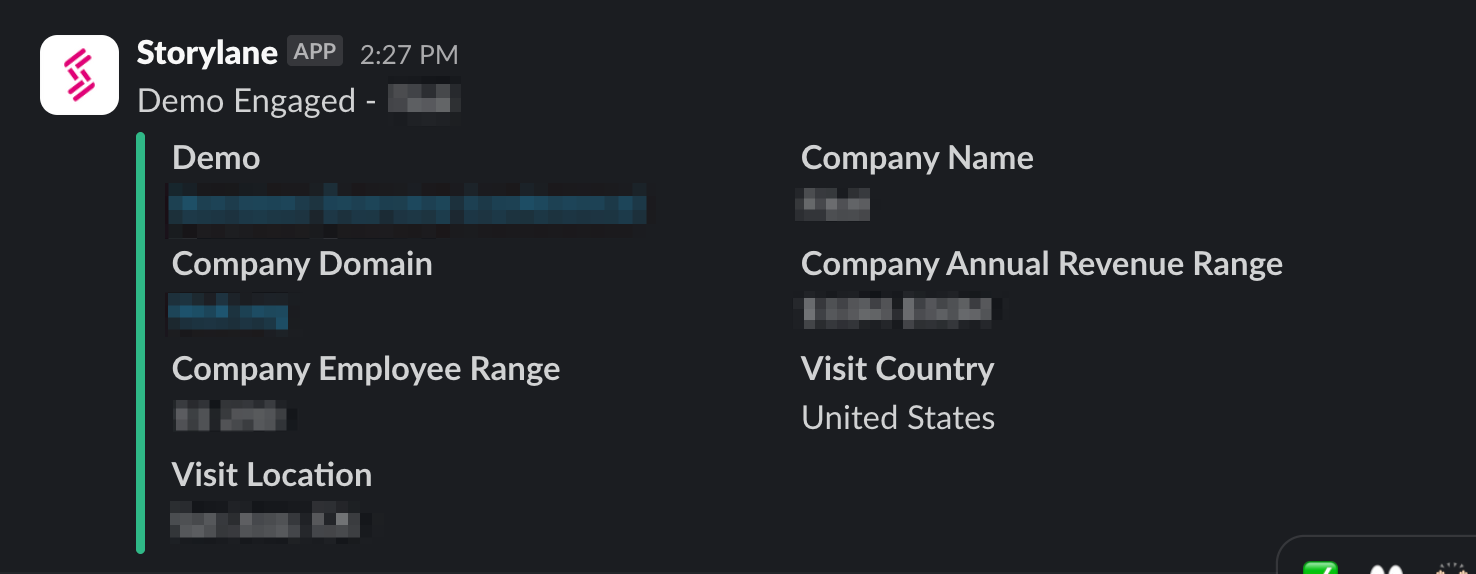
| **Unknown Lead** | Based on **IP address/company** lookup |

{% hint style="warning" %}

### **Identifying Leads**

There are few ways in which you can capture or identify leads. You can refer the article on [Lead Tracking](https://docs.storylane.io/hubs-docs/integrations/integrations/broken-reference) to learn more
{% endhint %}

### ⚙️ How to Integrate Slack with Storylane

1. **Go to Settings**\
   From your Storylane dashboard, click **Settings** in the left-hand menu.
2. **Navigate to Integrations**\
   Click the **Integration** tab.
3. **Connect to Slack**\
   Locate the Slack integration and click **Connect**.
4. **Choose a Slack Channel**\
   Select the channel where you'd like to receive notifications.
5. **Start Receiving Alerts**\
   Once a known lead starts interacting with a demo, you’ll receive an alert in your configured Slack channel.

{% @storylane/embed subdomain="app" linkValue="goirstps753h" url="<https://app.storylane.io/share/goirstps753h>" %}

### 🛎️ Sample Notifications

#### Known Lead

<figure><img src="https://content.gitbook.com/content/2sKIxGF28KpCOEu2HGiB/blobs/JZMkExQkNmiHYV1in94u/image.png" alt=""><figcaption></figcaption></figure>

#### Company (IP-Based) - Unknown Lead

<figure><img src="https://content.gitbook.com/content/2sKIxGF28KpCOEu2HGiB/blobs/hyUVCePUZJ5yt5qBSebf/image.png" alt=""><figcaption></figcaption></figure>

### 🔒 Privacy Reminder

We value privacy. To learn more about how lead data is handled, check out [Storylane's Privacy Policy](https://www.storylane.io/privacy-policy).